Automate the routine. Escalate the exceptions.

AI-powered workflows that keep humans in control—no coding required for business users to modify and manage.

Your team is drowning in repetitive tasks

Email overload

Hours spent sorting, categorizing, and routing messages that could be handled automatically.

Document bottlenecks

Manual processing that slows everything downstream. One person’s backlog becomes everyone’s delay.

Approval delays

Simple requests stuck waiting for human review when 80% follow the same pattern.

Intelligent automation that adapts

Email Triage & Routing

AI categorizes, prioritizes, and routes—humans handle what actually needs attention.

Document Processing

Extract, validate, and route information automatically. No more copy-paste marathons.

Approval Workflows

Smart routing with exception handling built in. Standard requests auto-approve, outliers get reviewed.

Human-in-the-Loop

AI suggests, humans approve—always in control. Confidence thresholds you set, not us.

Implementation approach

1

Process Mapping

Identify automation candidates and define decision rules

2

Workflow Design

Build AI-powered flows with clear escalation paths

3

Training & Handoff

Your team learns to modify workflows independently

4

Continuous Learning

AI improves from feedback and edge cases over time

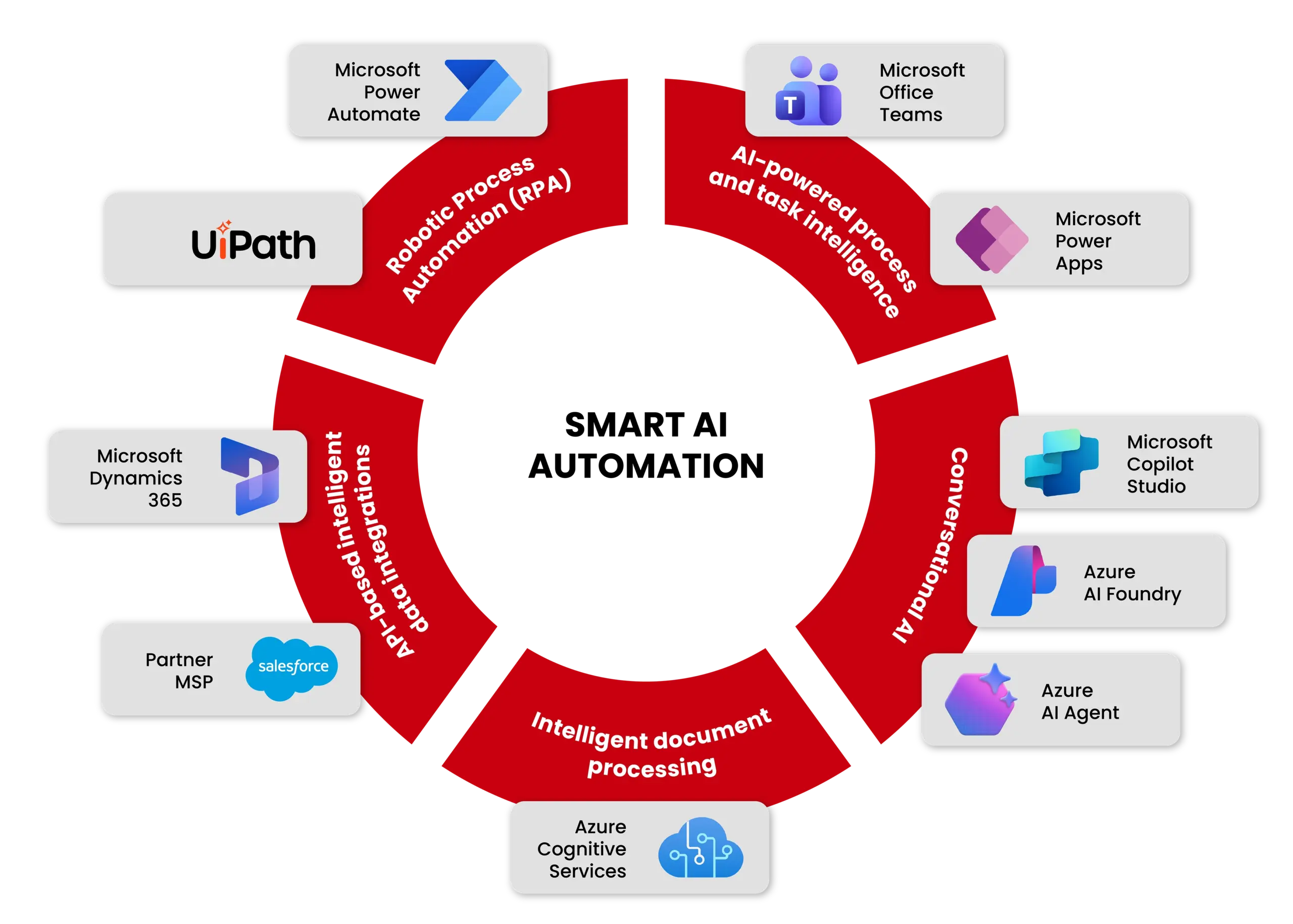
Technology stack for smart AI automation

Digital wireframe face rendered over a computer keyboard, representing AI-driven automation

Microsoft AI & Agent Platform

Build & orchestrate enterprise AI agents

Microsoft Foundry orchestrates AI agents with LLMs, knowledge sources, and external tools. Azure Cognitive Services adds document intelligence, speech recognition, image analysis, language understanding, and AI-powered search. Copilot Studio builds conversational agents connected to enterprise workflows.

  • Microsoft Foundry
  • Azure Cognitive Services
  • Copilot Studio

Intelligent Automation Platforms

Low-code workflows & RPA at scale

Power Platform delivers rapid AI-driven business solutions across workflows, apps, analytics, and ML integration, without heavy coding. UiPath robots automate repetitive tasks including data extraction, system integrations, transaction processing, and document handling.

  • Power Automate
  • Power Apps
  • Power BI
  • AI Builder
  • UiPath

Enterprise Systems Integration

Automation where business outcomes live

Dynamics 365 enables AI-assisted customer service, sales intelligence, automated case resolution, and ERP workflow automation. Salesforce powers AI-driven lead scoring, automated CRM workflows, customer insights, and intelligent sales assistants.

  • Dynamics 365
  • Salesforce
  • ERP Integration
  • CRM Automation

Our Success Stories

AI-powered document processing dashboard for the food supply chain

99% Accuracy in 4 Weeks: AI-Powered Document Processing for the Food Supply Chain

A global food supply chain compliance provider needed a structured way to extract usable data from high volumes of client-submitted PDFs, including both text-based and scanned documents in different layouts.

Intelligent automation processing complex PDF documents for a manufacturer

Intelligent Automation Solution Cuts PDF Processing by 90% for a Manufacturer

A manufacturer relied on manual review of complex PDFs, often more than 30 pages long, containing technical specifications critical to production. Intelligent automation reduced processing effort and improved operational throughput.

Freight tender processing across global transportation and logistics

Transforming Freight Tender Processing with Power Automate and SnapLogic

A transportation leader faced a high volume of structured freight tender emails with shipment details and deadlines. Power Automate and SnapLogic helped streamline intake, processing, and workflow handling.

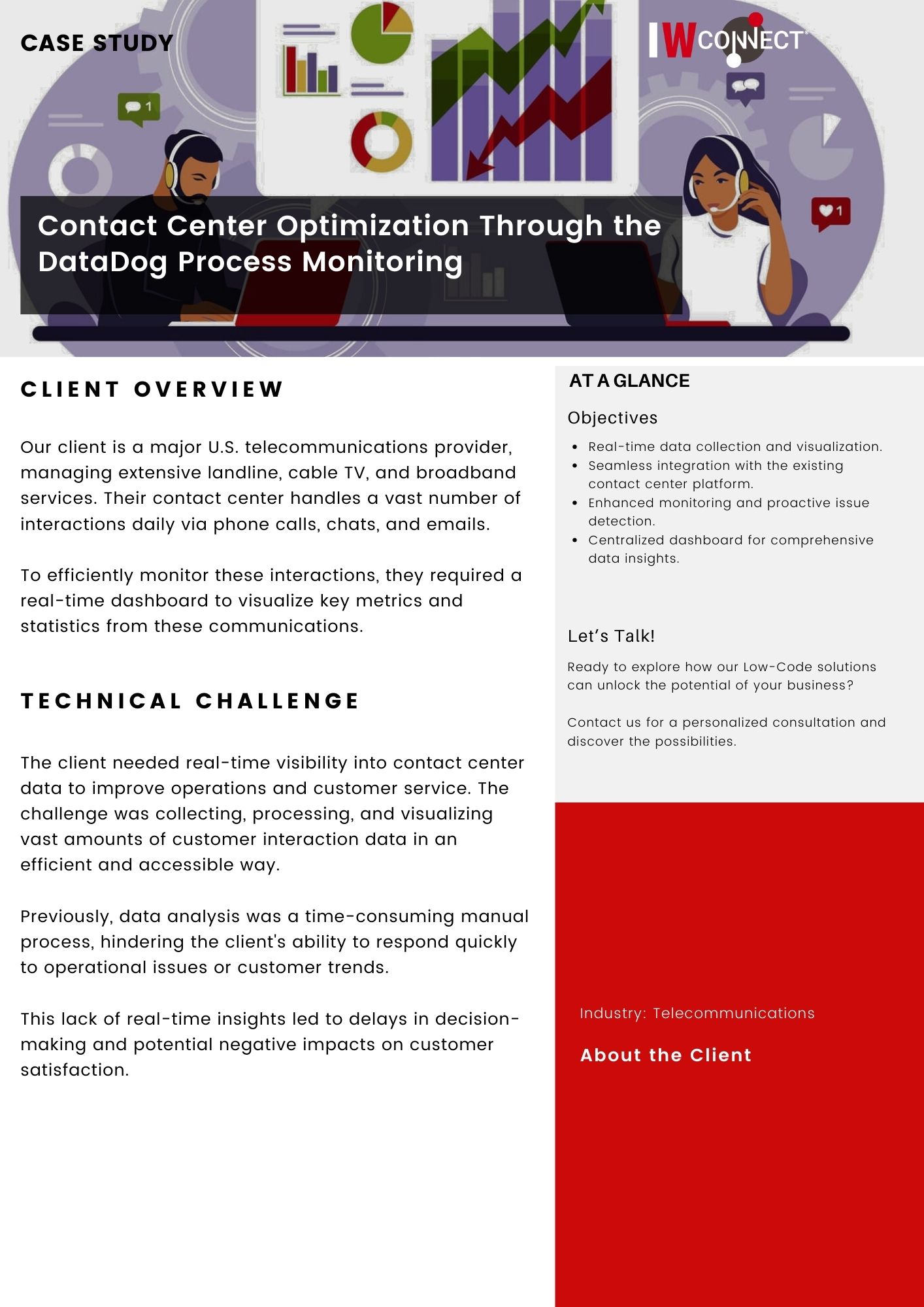
Contact center agents monitoring operations with DataDog dashboards

Contact Center Optimization Through DataDog Process Monitoring

A major U.S. telecommunications provider needed better operational visibility across high volumes of daily customer interactions. DataDog process monitoring improved oversight and helped optimize contact center performance.

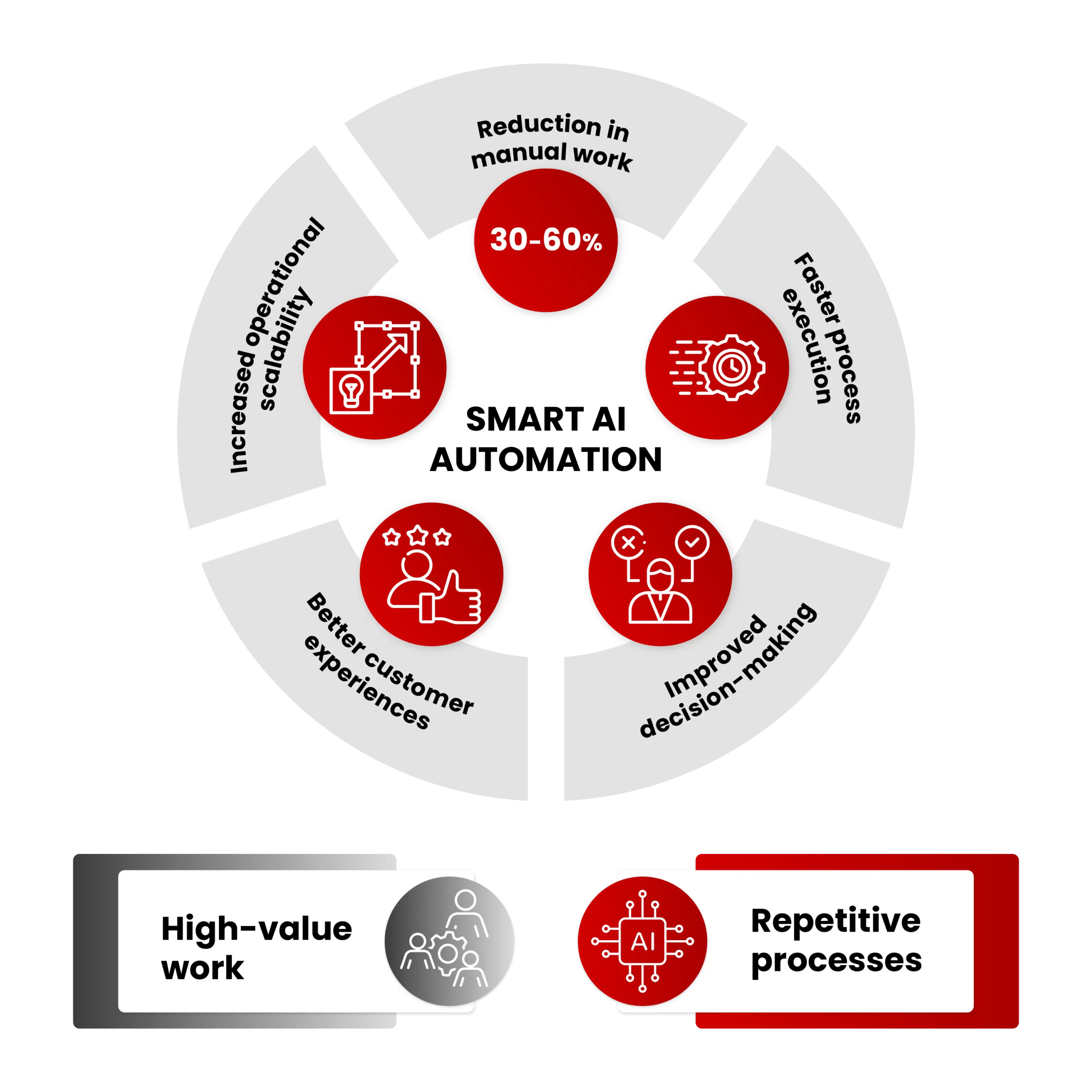
What Smart AI Automation Delivers

Automation in action

0 %

Time saved on HR email triage

0 %

Faster policy document reviews
0 %

Reduction in manual routing tasks

Where could automation free up your team?

15-minute workflow assessment. Identify your highest-impact automation opportunities.

FAQ

Smart AI Automation questions, answered.

Practical answers about AI-powered workflow automation, document processing, email triage, approval routing, and human-in-the-loop control.

What is Smart AI Automation?

Smart AI Automation uses AI-powered workflows to automate repetitive business tasks such as email triage, document processing, approval routing, and manual handoffs, while keeping humans in control for exceptions, approvals, and sensitive decisions.

Which business processes can be automated with AI?

Common automation candidates include inbox sorting, request routing, document extraction, policy review, approval workflows, CRM updates, ERP handoffs, service desk tasks, reporting steps, and repetitive back-office processes that follow repeatable rules.

How does human-in-the-loop automation work?

Human-in-the-loop automation lets AI handle routine cases and route exceptions to people. Teams define confidence thresholds, review rules, escalation paths, and approval points so AI can suggest or prepare work without taking uncontrolled action.

Can business users modify workflows without coding?

Yes. Smart AI Automation is designed so business users can manage and adjust approved workflows through low-code platforms, clear routing rules, and controlled workflow logic instead of relying on developers for every small change.

How does IWConnect automate email triage and routing?

IWConnect uses AI to classify incoming messages, identify priority, extract relevant context, route requests to the right team, and escalate unclear or sensitive cases for human review. This reduces manual sorting and helps teams focus on requests that need judgment.

How does AI document processing work?

AI document processing extracts, validates, and routes information from documents such as PDFs, forms, policy files, invoices, tenders, and operational records. The workflow can include data extraction, confidence scoring, validation rules, human review, and integration with downstream systems.

How do you keep AI automation secure and controlled?

AI automation is controlled through access permissions, workflow rules, audit logs, approval steps, exception handling, confidence thresholds, data protection controls, and monitored integrations with systems such as CRM, ERP, service platforms, and document repositories.

How do we start with a workflow assessment?

The first step is a workflow assessment. IWConnect maps the process, identifies repetitive work, defines decision rules and exceptions, evaluates automation value, and recommends where AI-powered workflows can create the fastest operational impact.