Pete by IWConnect Now supporting MuleSoft flow specifications

Turn integration flows into clear specifications.

Pete turns your SnapLogic pipelines and MuleSoft flows into readable, standardized, audit-ready documentation, so teams know what exists, how it works, and what needs attention.


  • SnapLogic project documentation
  • MuleSoft flow specifications
  • PDF, diagrams, and summaries
  • Governance-ready outputs

A sample specification generated by Pete, titled Customer onboarding integration specification, marked Ready. It is produced in four steps: import project assets, detect flows and dependencies, generate specification, and export and share. Each spec includes flow purpose and business context; triggers, processors, mappings, and endpoints; dependencies, accounts, tasks, and diagrams; and PDF, SharePoint, and Confluence-ready output.

Platform coverage

One assistant for integration documentation across key platforms.

Pete started with SnapLogic documentation. The same specification value now extends to MuleSoft flows, so integration teams get one consistent way to document and explain their work.

SnapLogic

Established

Pete documents SnapLogic projects and turns complex pipelines into structured, review-ready outputs.

  • Project, pipeline, task, and asset docs
  • Stakeholder-readable project summaries
  • Dependency diagrams as PNG and draw.io
  • AI code review for quality, security, and errors
  • CI/CD integration, versioning, and retention
Client Testimonial
We wasted hours on documentation until we found Pete. I wish it had existed five years ago.
Marco Sala Dentsu

Pete takes documentation off your team's plate, keeps it compliant and consistent, and hands those hours back.

Press play to hear it in his words

What Pete improves

From integration complexity to documentation people can use.

More than exported metadata: usable documentation for delivery, compliance, onboarding, and architecture visibility.

01

Automated specifications

What each flow does, its components, and how they connect.

02

Dependency visibility

Diagrams and flow maps that cut investigation time.

03

Audit-ready records

Consistent outputs with retention and PDF export for reviews.

04

Faster onboarding

A readable overview, with no manual reverse-engineering.

05

Quality insights

AI review findings with explanations and configurable policies.

06

Easy sharing

Exports to PDF, SharePoint, Confluence, PNG, CSV, and draw.io.

AI-powered code review

Quality, security, and error handling in one report.

For SnapLogic, Pete reviews project structure against defined metrics and policies. Findings are explained in context, so developers, architects, delivery leads, and governance can act on them faster, alongside the documentation or as a standalone review.

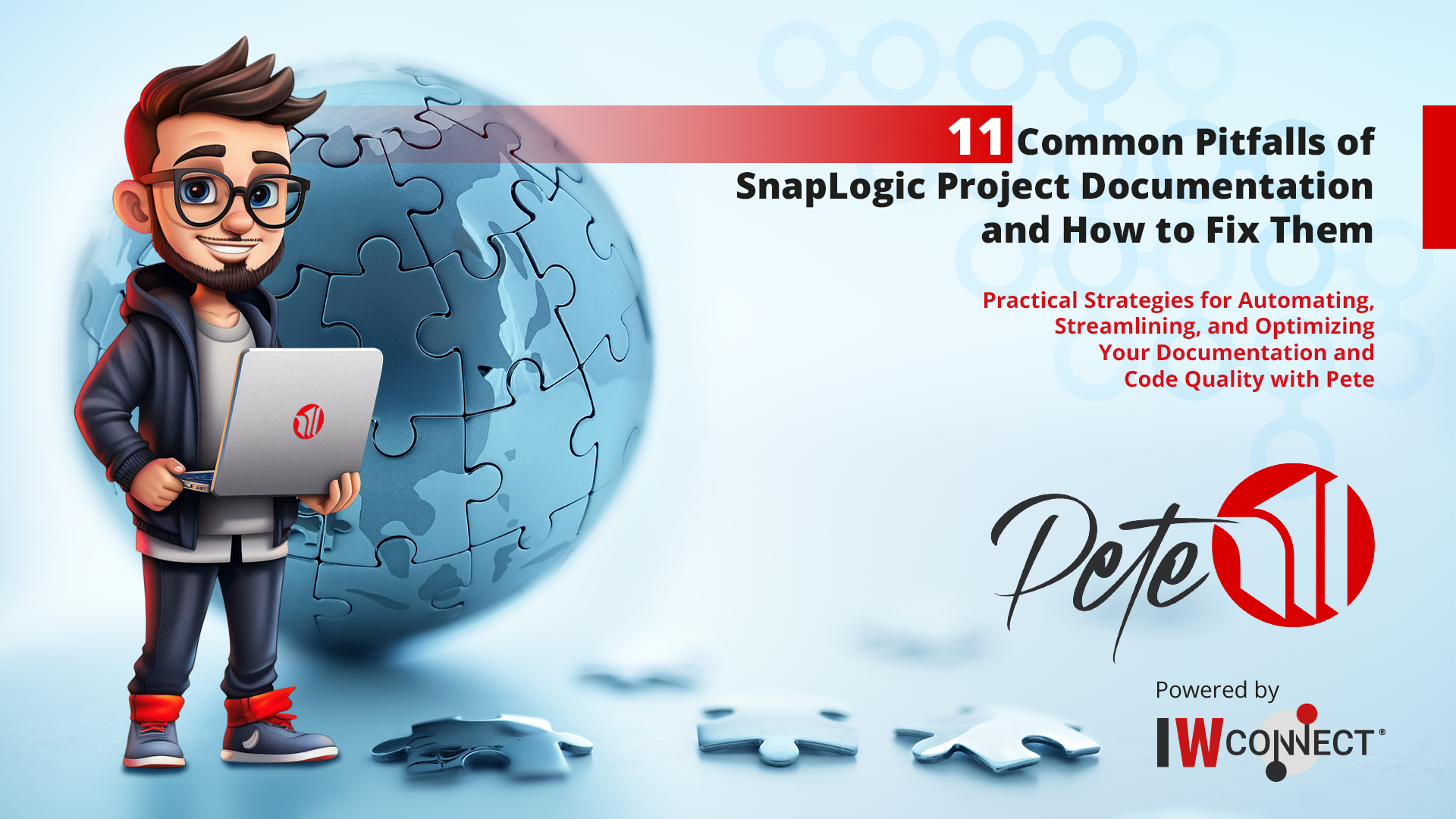
Pete, the IWConnect virtual assistant, standing with a laptop beside a globe assembled from puzzle pieces
27+review metrics across key quality areas
Policyadjustable rules that reflect team standards
Reportstructured explanations, not raw output
Flexibleuse with documentation or on its own

Metrics

What Pete checks. Project organization, best-practice patterns, quality, maintainability, security, and error handling.

Policies

What good looks like. Naming, standards, thresholds, allowed patterns, and your own organization-specific rules.

Example finding
Category
Error handling
Metric
Usage of error handling
Policy
Production pipelines should include a defined error-handling path.
Finding
Some pipelines do not define an error route.
Recommendation
Add a standard recovery and logging pattern.

How it works

A repeatable workflow for every important integration change.

Instead of relying on manual updates after delivery, Pete brings documentation closer to the engineering workflow.

Click a step to see what Pete does at that stage

Start from your integration assets and let Pete identify the structure that needs to be documented.

Pete outputs preview
Outputs

Everything a team needs to understand the integration.

Documentation should not be a static afterthought. Pete creates one shared source of understanding across every team that depends on the integration.

Built for
  • Delivery teams
  • Platform owners
  • Compliance stakeholders
  • Business reviewers

Specification pages

Purpose, triggers, steps, dependencies, transformations, endpoints, and business context.
Project summaries

High-level views for stakeholders who need clarity without going deep into the platform.

Dependency diagrams

Visual maps that help teams see connections and cut reverse-engineering work.

PDF documentation

Portable documentation with retention support for audit and governance needs.

Review findings

For SnapLogic, Pete flags code quality, security, maintainability, and error-handling issues.

Delivery-ready exports

Share through SharePoint, Confluence, PDF, PNG, CSV, and draw.io.

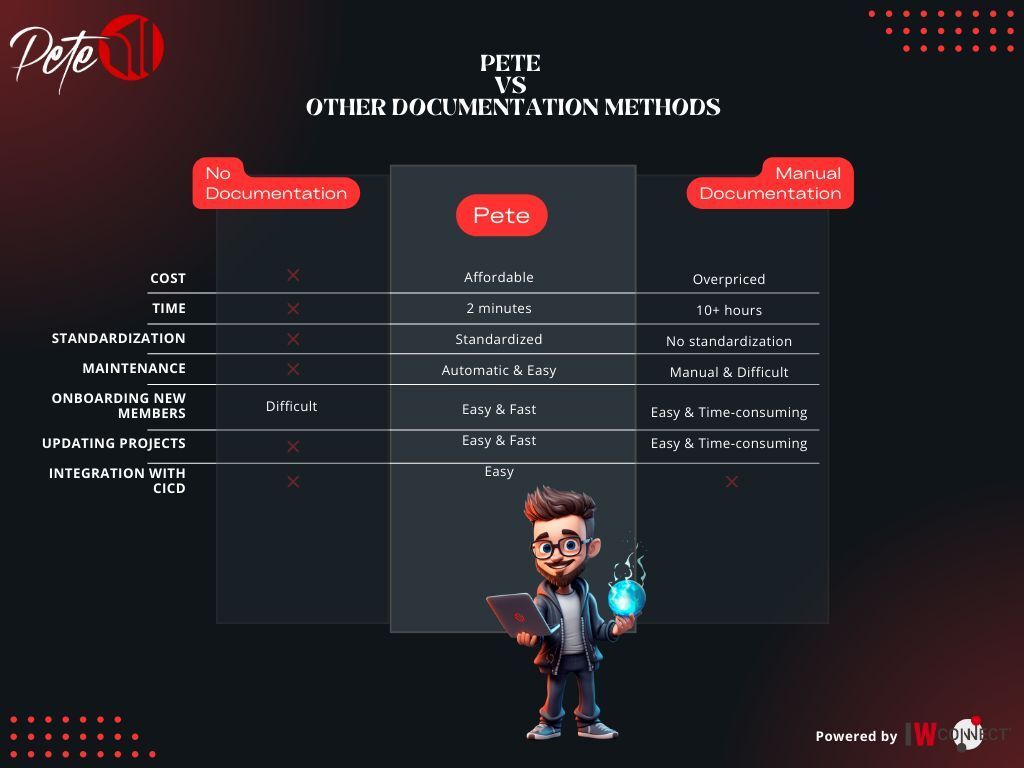
Comparison

Documentation without the usual friction.

Pete gives teams a more consistent alternative to outdated documentation, inconsistent formats, and time-consuming manual updates.

Need No documentation Pete Recommended Manual documentation
Project visibility Hidden in the platform Centralized, readable summaries Depends on the author
Update effort Not maintained Fast, repeatable generation Slow and easy to postpone
Standardization No standard Consistent structure and outputs Inconsistent across teams
Audit readiness High risk Retention-ready documentation Requires manual cleanup
Onboarding Slow and knowledge-dependent Faster with clear specifications Available only if recently updated

Subscription packages and pricing

Start free, then scale documentation and review coverage as projects grow.

Pete packages are structured around documentation generation, retention, diagrams, code review, AI descriptions, Snap Pack support, CI/CD integration, and the number of assets that can be documented.

Free

Essential

Best for teams that want to start documenting SnapLogic projects quickly.

  • Document generation into DM system
  • PDF documentation
  • 10-day PDF retention
  • Summary pages
  • Up to 20 assets
Team

Standard

For teams that need diagrams and AI-powered review in addition to core documentation.

  • 20-day PDF retention
  • Dependency diagrams
  • Code review with detailed explanation
  • Adjustable policies
  • Up to 100 assets
Recommended Advanced

Professional

For mature delivery teams that want AI descriptions, Snap Pack support, and CI/CD integration.

  • 50-day PDF retention
  • AI project and pipeline descriptions
  • Pete Snap Pack
  • CI/CD integration
  • Up to 250 assets
Enterprise

Enterprise

For enterprise-scale documentation, governance, retention, and unlimited asset coverage.

  • Unlimited PDF retention
  • Unlimited assets
  • Full documentation and review feature set
  • CI/CD integration
  • Enterprise governance support

Note: the published package matrix is based on Pete's SnapLogic documentation feature set. MuleSoft flow specification support should be positioned during the package discussion so the selected plan reflects the client's platform scope and implementation needs.

Feature set Essential
Free
Standard Professional Enterprise
Document generation into DM system
PDF documentation
PDF documentation retention period10 days20 days50 daysUnlimited
Summary pages
Dependency diagrams: PNG and draw.io-
Code review with detailed explanation and adjustable policies-
AI project description and AI pipeline description--
Pete Snap Pack--
CI/CD integration--
Max assets to document: task, pipeline, account20100250Unlimited
License period365 days365 days365 days365 days
Pete resources preview
Resources

Explore Pete in more detail.

Go deeper with a tool overview, a documentation guidebook, and a walkthrough of automated SnapLogic documentation.

Ready to make integration documentation easier?

Generate clear specifications for SnapLogic and MuleSoft flows, cut manual documentation work, and pick the subscription package that fits your documentation, review, and governance needs.

Pete by IWConnectIntegration documentation, specification generation, and governance visibility for modern integration teams.

    By ticking this box, you agree to ⋮IWConnect’s Terms & Privacy Policy. You also agree to receive future communications from ⋮IWConnect. You can unsubscribe anytime.

      By ticking this box, you agree to ⋮IWConnect’s Terms & Privacy Policy. You also agree to receive future communications from ⋮IWConnect. You can unsubscribe anytime.