

A year ago, most of our teams were still debating whether to use AI coding assistants at all. That debate is mostly settled now. The harder question, the one that actually determines whether you get value or frustration, is how you use them.
We’ve spent the past year figuring that out. Evaluating tools, building processes, making mistakes, and adjusting. What we’ve learned is that the teams getting the best results aren’t the ones with access to the most powerful models. They’re the ones who show up prepared.
AI Is Only as Good as the Context You Give It
When AI-generated code misses the mark, the tool is rarely the problem. The problem is missing context.
If you drop into an AI session without a clear task, no defined standards, and no project architecture in scope, the model fills the gaps with assumptions. Sometimes those assumptions are reasonable. Often they’re not. The result is code that works in isolation but doesn’t fit the project: it breaks conventions the team spent months establishing, or introduces security gaps nobody caught because nobody told the AI what to protect.
The fix isn’t a better prompt. It’s better preparation.
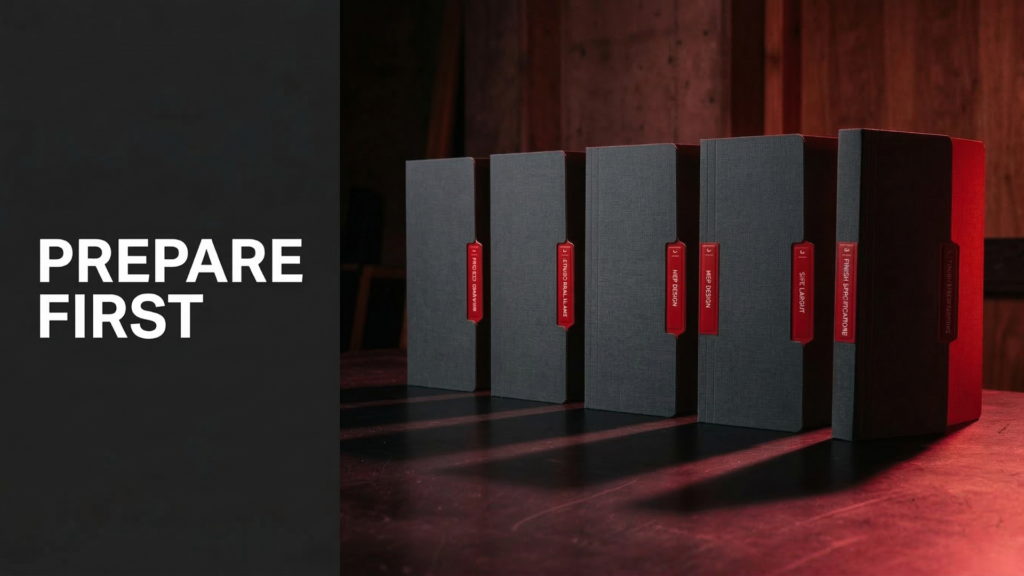
Build a Knowledge Base Before You Write a Single Line
Our process splits into two phases: preparation and implementation. The preparation phase is where most of the leverage is, and it’s also the phase teams consistently skip.
Before any coding session starts, we work with a small set of markdown files that give the AI everything it needs to be useful. Five files, each doing a specific job.
planning.md: The Strategic Blueprint
This document answers the what and why: project goals, business objectives, technology stack, key dependencies, milestones. Think of it as the brief you’d give a new team member on their first day. What are we building, and why does it matter?
instructions.md: The Technical Rulebook
Coding standards, naming conventions, architectural patterns, testing requirements, security guidelines. This file covers the how. It’s a living document, updated as the project evolves. Without it, every AI session starts from scratch, guessing at standards that should already be defined.
task.md: The Focused Brief
Not “build the authentication module.” A specific, scoped description of one piece of work, with acceptance criteria, a step-by-step plan, and the exact files involved. The smaller and clearer the task, the better the output. This is not optional.
workflow.md: The Execution Contract
This defines how the AI agent should actually approach and progress through tasks: what to do before writing code, which files it’s allowed to modify, when to update documentation, and how to mark work complete. Without this, every developer on the team prompts the AI slightly differently. The code works, but it doesn’t cohere. Standards drift. Review becomes harder. With workflow.md, the AI’s process is consistent across every session and every team member, because the rules are written down rather than assumed.
decisions.md: The Project Memory
Every significant architectural choice, rejected alternative, or deliberate trade-off gets recorded here with context and rationale. This one matters more than it sounds. Without it, the AI has no memory of why things are the way they are. It will suggest the approach you already considered and rejected. It will refactor toward the pattern you deliberately avoided. It will undo a trade-off that was made for good reason. The decisions log is how you give the AI institutional memory, and how you protect your own.
Together, these five files form what we call the AI’s knowledge base. They’re also, quietly, one of the best tools for knowledge transfer on a software team. They force everyone to be explicit about things that usually live only in someone’s head: the senior engineer who knows why a certain pattern was chosen, the tech lead who remembers the security constraint that shaped the data model. Writing these files brings that knowledge into the open.
.
Why Documentation Quality Directly Affects AI Output Quality
Every hour spent writing a solid instructions.md saves multiple hours of AI correction, inconsistency cleanup, and re-prompting. A well-scoped task.md transforms a vague session into a productive one. And planning.md ensures the AI is always working toward the right goal, not a plausible-sounding approximation of it.
There’s a version of this that’s easy to underestimate: the AI becomes a reflection of your documentation quality. If your documentation is vague, expect vague output. Invest in the documentation, and the AI investment compounds.
The Implementation Cycle: Where Discipline Actually Pays Off
With preparation done, the core loop is straightforward. But discipline matters at every step.
We select one small, well-defined task at a time. We prime the AI by loading the planning, instructions, and task documents at the start of each session. We ask for a plan first, review it, then ask for implementation. We don’t skip steps just because the AI works fast.
The developer is always the quality gate. Every suggestion gets human review: logic, security, performance, and adherence to standards. Testing doesn’t get skipped because code was generated quickly. Each commit represents a single logical change. AI assistance doesn’t change that.
When the AI produces poor output, which happens, the answer is usually to reset. Start a new session, re-prime with the core documents, and refine the prompt. A long, confused conversation rarely produces better results than a fresh, well-framed one.
Controlled AI Development: What That Actually Means in Practice
“Controlled” gets used a lot in this context. Here’s what it means for us.
We only use tools that have been evaluated for security compliance, SOC 2 and ISO 27001 certified, with data handling reviewed before approval. Personal AI accounts or unapproved tools are off the table for anything involving code or company data. No exceptions.
Sensitive information like API keys, connection strings, customer data, and production configurations never go into an AI prompt. We use environment variables and AI-specific ignore files to ensure sensitive files aren’t exposed to the model context in the first place.
Human oversight is non-negotiable. The AI generates suggestions. Engineers decide what ships. Architecture decisions, security choices, design calls: those belong to the people who are accountable for the outcome. AI doesn’t make those calls. People do.
This isn’t about limiting what AI can do. It’s about ensuring it happens within a framework that protects the client, the team, and the quality of what gets delivered.
The Shift from Ad Hoc Prompting to Spec-Driven Development
As teams get more comfortable with AI-assisted development, the approach naturally evolves. Instead of asking the assistant to “build this feature,” you start defining a feature contract: the technical design, the ordered implementation tasks, the acceptance criteria, the validation workflow.
The AI stops inventing solutions and starts executing within a known framework. That shift matters because it changes how much you can trust the output, and how well product, engineering, QA, and architecture can align before code gets written.
That’s where we’re heading. Formal specifications, shared prompt libraries, sub-agent workflows for increasingly complex tasks. The tools are improving fast. A consistent process is what keeps the quality consistent as they do.

The Real Takeaway
AI doesn’t replace delivery discipline. It amplifies whatever discipline already exists in a team.
If the process is vague, AI amplifies vagueness. If standards are weak, expect inconsistent output. But if the work is structured, the context is clear, and the team stays accountable for what ships, AI genuinely accelerates delivery.
The teams that benefit most from AI coding assistants aren’t the ones chasing the newest model. They’re the ones who pair new tools with clear standards, structured preparation, and humans who own the result.
That combination is harder to shortcut than it looks. But it’s also what separates fast-and-fragile from fast-and-reliable.