
AI coding assistants are changing the way we write software – but only when used the right way.
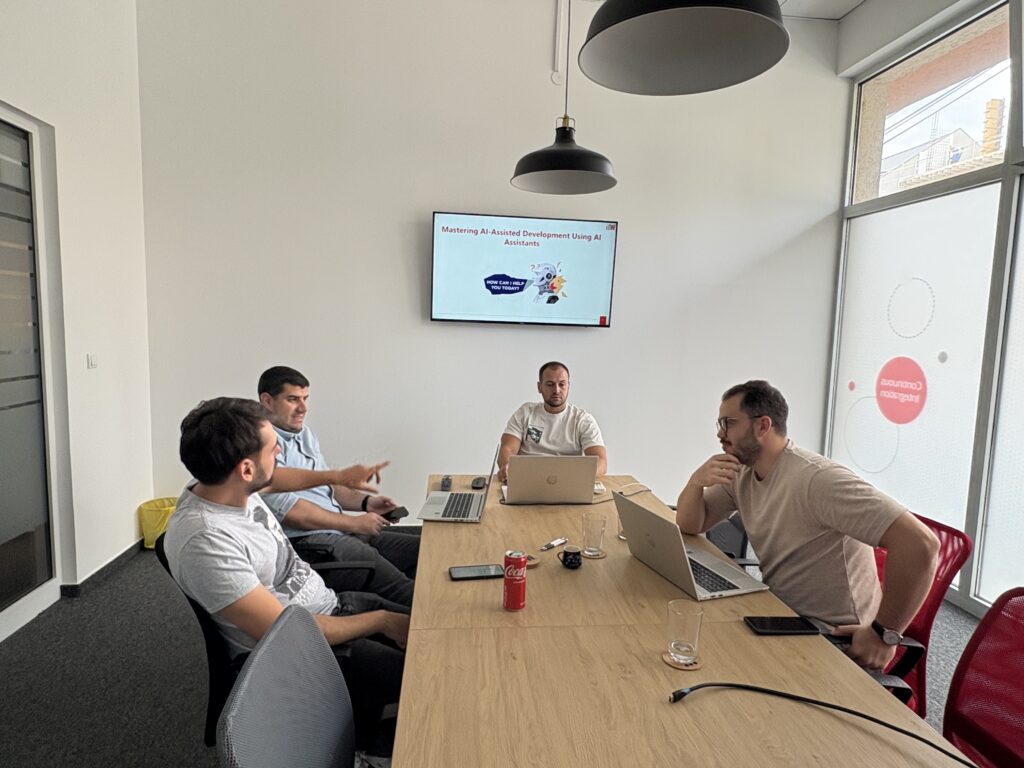
Over the past month, our Java development teams participated in a three-part workshop series exploring how to integrate AI coding tools like GitHub Copilot and JetBrains Junie into our daily development workflow.
The goal wasn’t just to “try AI.” It was to understand how to use these AI-powered code assistants responsibly, securely, and effectively – turning them into genuine teammates, not gimmicks.
Here’s what we learned.
Why We Started: Beyond the Hype
AI code assistants promise faster software development and smarter code completion, but in enterprise environments, things get complex fast.
Security, privacy, and code quality standards can’t be compromised – and AI-generated code with potential errors or “hallucinations” isn’t an option.
So our workshops were designed to answer one key question:
How can AI coding assistants enhance developer productivity and code quality without sacrificing control, security, or standards?
Workshop 1: Setting the Ground Rules for AI Coding Tools
We began by defining what AI code assistants or AI agents really are: sophisticated collaborators, not replacements for developers.
We covered secure setup, privacy controls, and how to configure tools like GitHub Copilot and JetBrains Junie to stay compliant with company policies.
The biggest early insight?
AI-powered code assistants are only as good as the context you give them.
That’s why documentation became our secret weapon. Before expecting meaningful code generation or relevant code snippets, we learned to “prime” the AI – providing it with a structured foundation through three key documents:
- Planning.md – defines business goals and architecture
- Instructions.md – sets coding standards and technical conventions
- Task.md – gives feature-level context and acceptance criteria
By feeding this context to the AI agent, we dramatically reduced irrelevant or incorrect suggestions – and minimized the infamous “AI hallucinations” developers often complain about.
“I never realized how important project documentation was until this session. The live demo on configuring AI tools securely was eye-opening.”
Workshop 2: From Prompts to Productive AI Code Collaboration

Next came the practical part – learning how to communicate with AI coding tools effectively.
We discovered that writing prompts for AI is surprisingly similar to collaborating with another developer:
- Vague prompt = vague answer
- Clear context = clear, useful output
Example
❌ “Make a Java app that handles users.”
✅ “Develop a simple REST API that exposes a single endpoint /users. This endpoint should return a JSON response containing a list of user records. Each user record must include the following fields: id, firstName, lastName, email, and role.
The implementation should follow standard Java and Spring Boot conventions and adhere to REST API design best practices. Ensure proper use of HTTP methods, clear and consistent naming conventions, and an appropriate response structure. The code should be organized, maintainable, and easy to extend for future requirements such as database integration or additional endpoints.”
We also introduced our structured development workflow, which quickly became the cornerstone of our AI-assisted coding process:
- Select a small, well-defined task
- Prime the AI code assistant with project context
- Request an initial code generation
- Review the AI-generated code critically
- Refine through conversation
- Implement in the source code
- Test thoroughly (trust but verify)
- Document the result
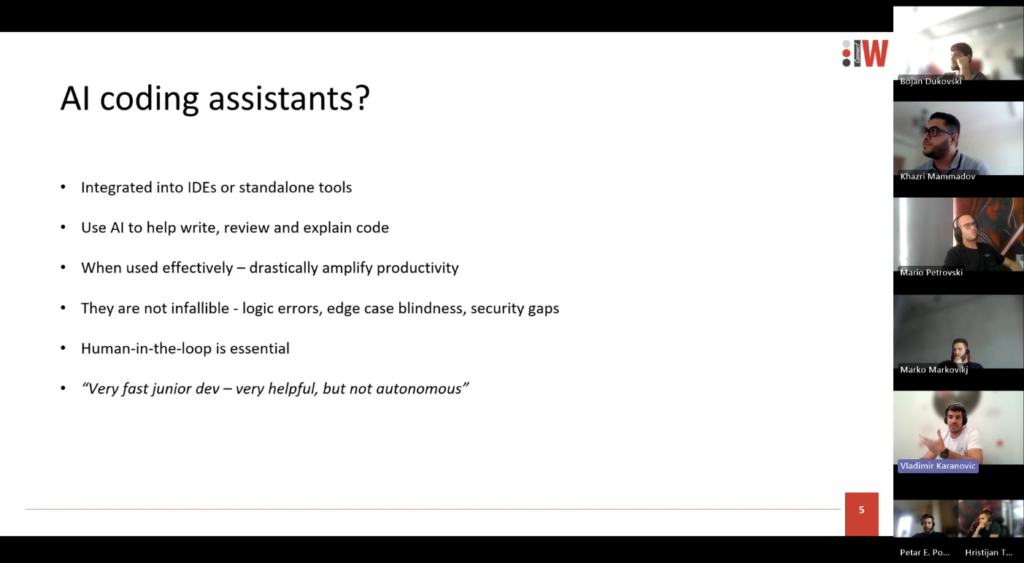
The “trust but verify” principle became a recurring theme – AI can accelerate code generation, but human oversight ensures correctness, code quality, and alignment with project standards.
“Seeing the ‘trust but verify’ approach in action helped me understand how to balance speed with quality.”
Workshop 3: Applying It All – From Code Assistance to Scalable Use
In the final session, teams put everything into practice – completing real coding tasks with AI assistance from start to finish.
Participants experimented with advanced techniques like referencing documentation files directly in prompts, using code snippets to guide the AI, and breaking complex tasks into smaller, AI-friendly chunks.
Teams are currently experimenting with prompt templates for recurring patterns, with the long-term goal of establishing a shared internal library to support consistent, scalable AI-powered code usage across projects.
“Collaborating with my team and the AI agent felt like pair programming – and we finished much faster than usual.”
Key Takeaways from Our AI Code Assistant Workshops
After three sessions, a few themes stood out clearly:
- AI code assistants shine at repetitive and boilerplate code – freeing developers for higher-level work.
- Documentation is critical. Clear specifications empower both humans and AI-powered code assistants.
- Human judgment remains non-negotiable. AI proposes, but engineers decide through code review and testing.
- Structure matters. A consistent development workflow prevents chaos and boosts trust.
- Better AI usage drives better engineering habits and overall code quality.
Unexpectedly, AI didn’t just change how we generate code – it made us write clearer documentation, define standards more explicitly, and collaborate more effectively.
Looking Ahead: The Future of AI Coding Assistants in Software Development
AI coding agents are not replacing developers.
They’re raising the bar for what great software development looks like – combining speed, precision, and security when used responsibly.
Our takeaway from this journey is simple:
AI is a powerful ally – but only when guided by thoughtful engineers who trust, verify, and continually learn.
As we keep refining our practices, we’re confident AI-powered code assistants will become a natural part of our engineering culture, helping us generate better code – faster, smarter, and safer.